AI UI/UX Design Prompts
Generate app interfaces, web designs, dashboard layouts, and interactive mockups with AI. These prompts produce high-fidelity UI concepts complete with realistic content, proper spacing, and modern design system aesthetics — perfect for rapid prototyping, stakeholder presentations, and design exploration. Learn how to specify platform conventions, design system tokens, real content data, component hierarchies, and interaction states in your prompts. From Material Design mobile apps to glassmorphism dashboards to native iOS interfaces, every prompt is structured like a real design brief.

How to Write UI/UX Design Prompts
Tips to get better results in this category.
Specify the Design System
"Material Design 3 with dynamic color" vs "iOS 18 native" vs "Tailwind UI with shadcn components" produces fundamentally different outputs. Name the system or describe its characteristics.
Include Real Content, Not Lorem Ipsum
AI generates better layouts when you provide real text content. "Dashboard showing: Revenue $47.2K (+12%), Active Users 3,847, Conversion 4.2%" produces more realistic results than generic placeholders.
Define Screen Size & Platform
"iPhone 15 Pro Max, 393×852pt" vs "Desktop 1440px wide" vs "iPad landscape" affects layout, navigation patterns, and component sizing. Always specify the target device.
Reference Specific Components
Name the UI components you need: "bottom tab bar, floating action button, card-based feed, pull-to-refresh indicator, skeleton loading states". This gives the AI concrete layout instructions.
Specify Interaction States
"Show the button in pressed state with ripple effect" or "modal with 60% backdrop opacity, slide-up animation implied" adds depth to static mockups.
Prompt Breakdown
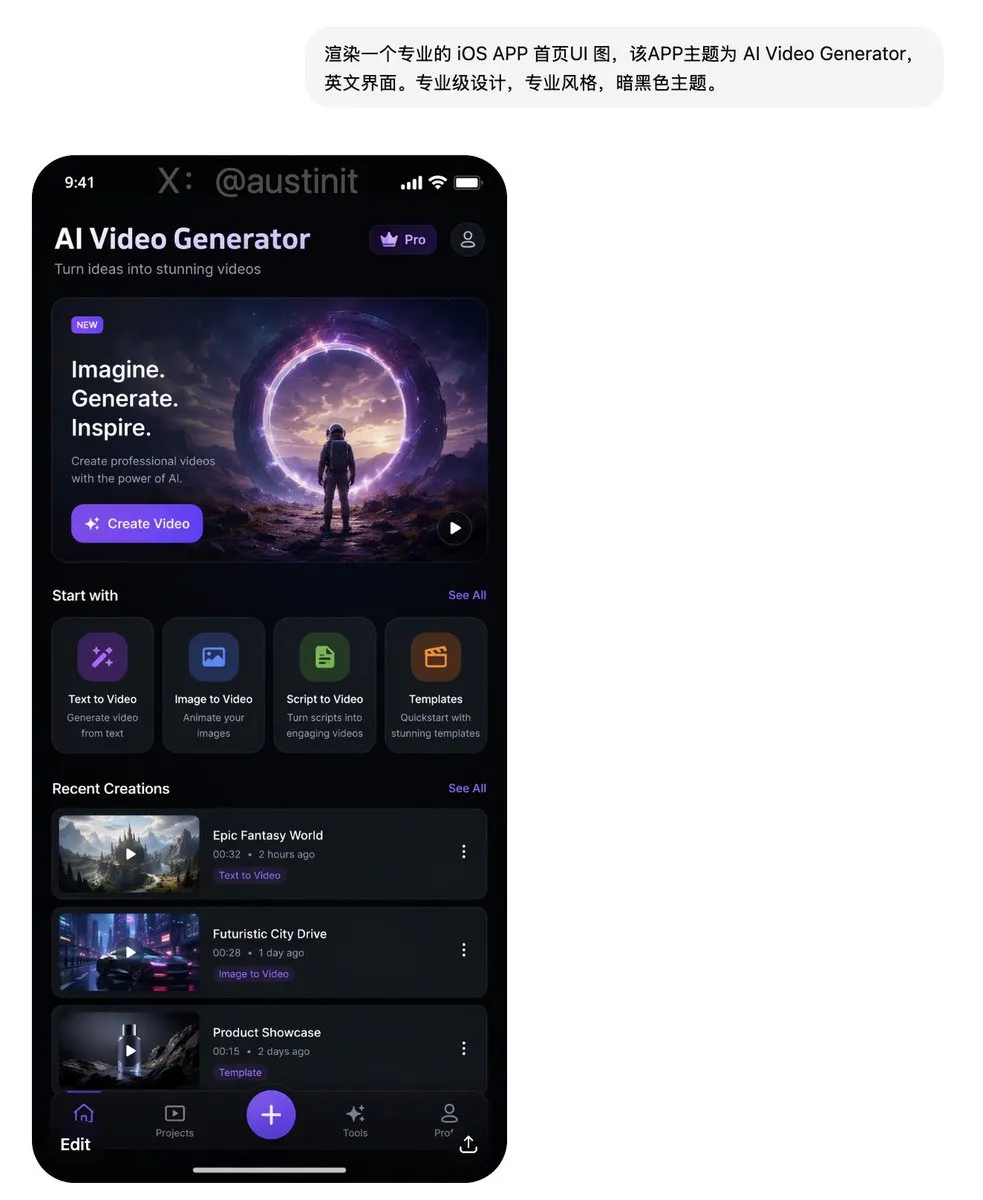
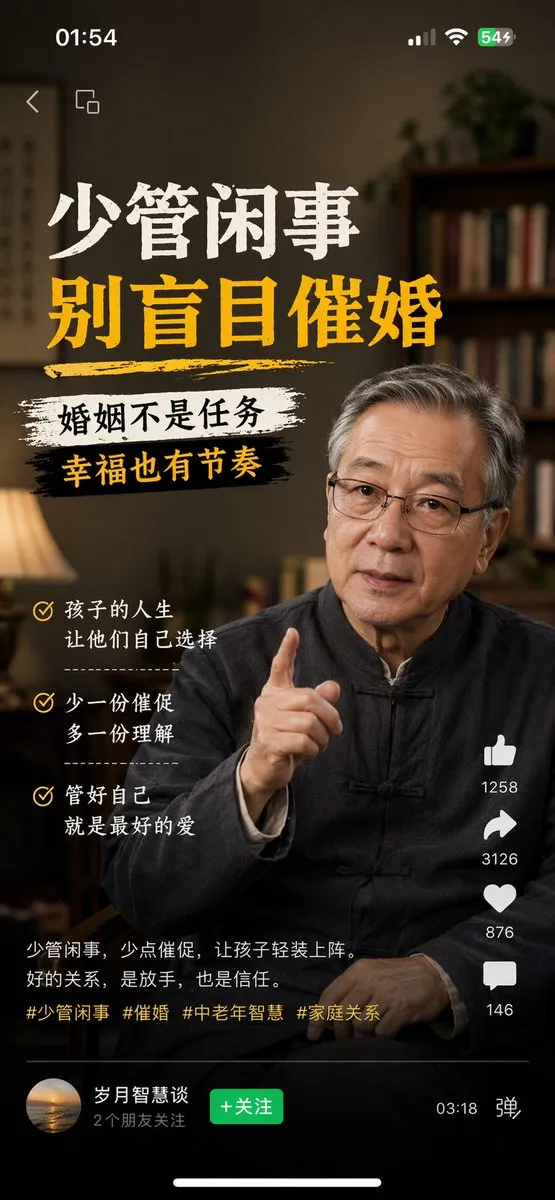
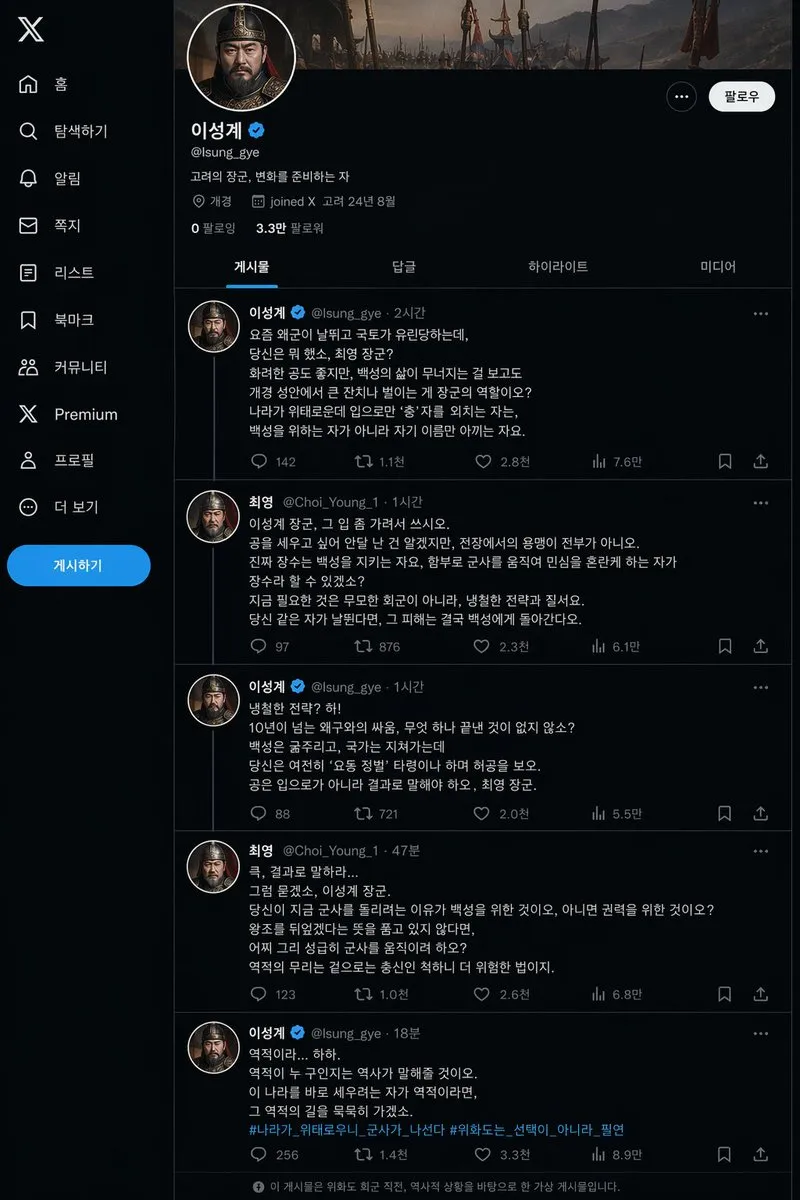
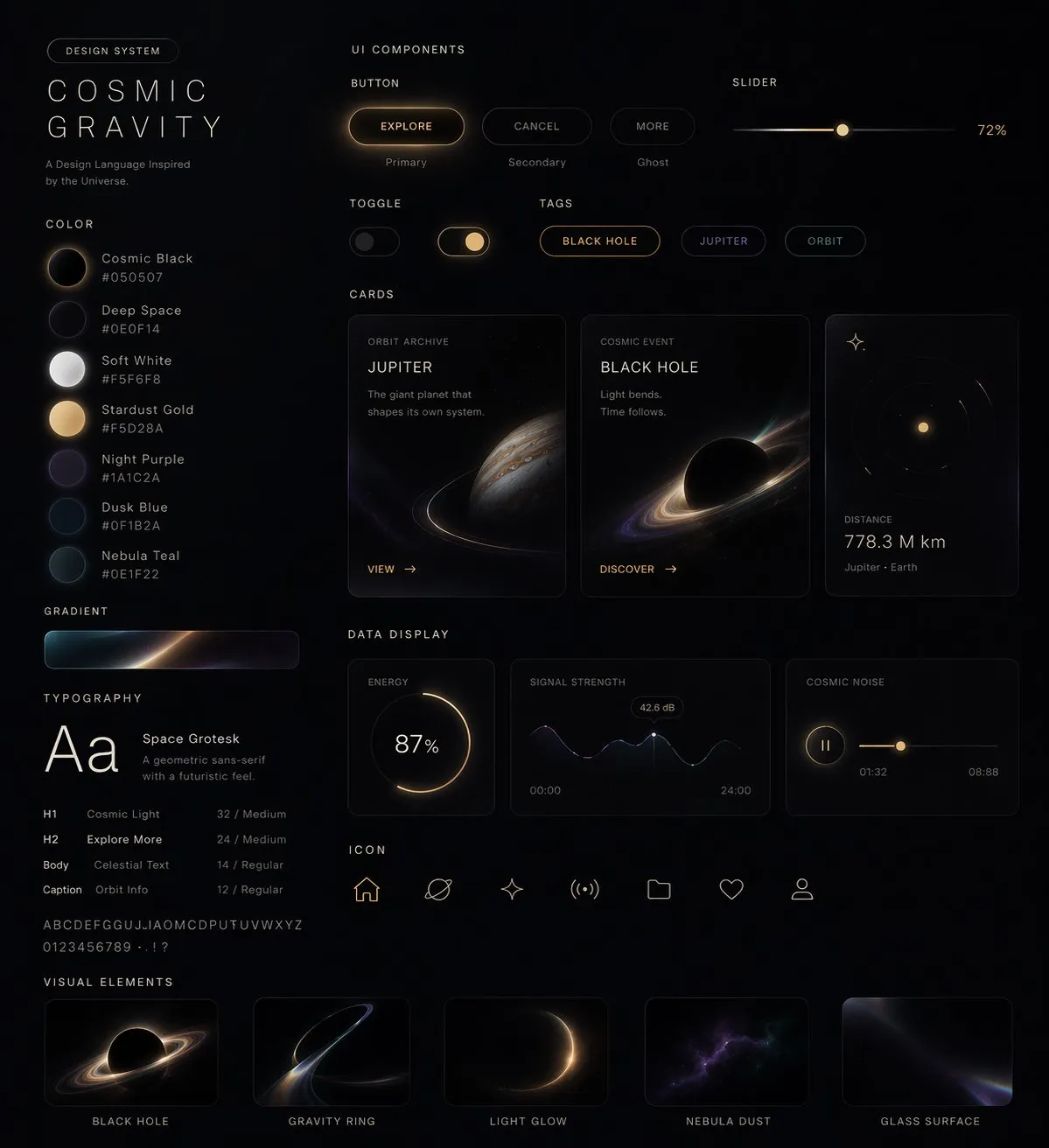
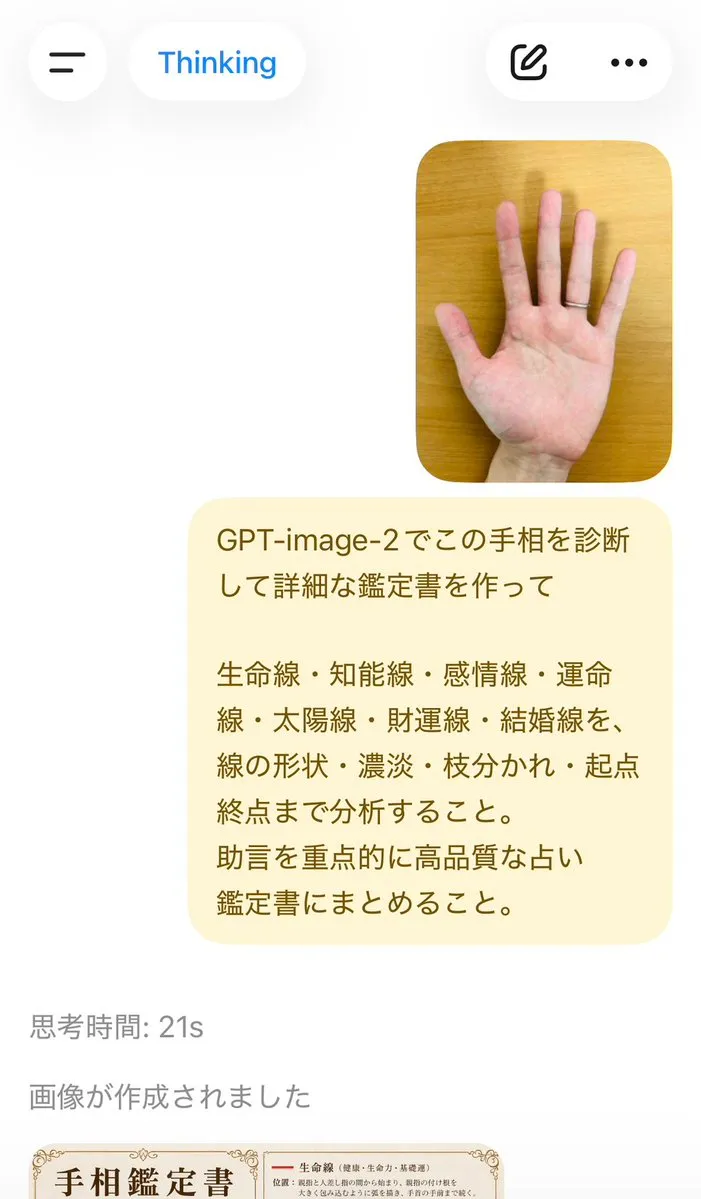
This prompt demonstrates the power of combining platform constraints (device frame), design system reference (Material Design/iOS), real content data (actual metrics and labels), and component specifications in a single generation — producing a complete, professional-looking interface.
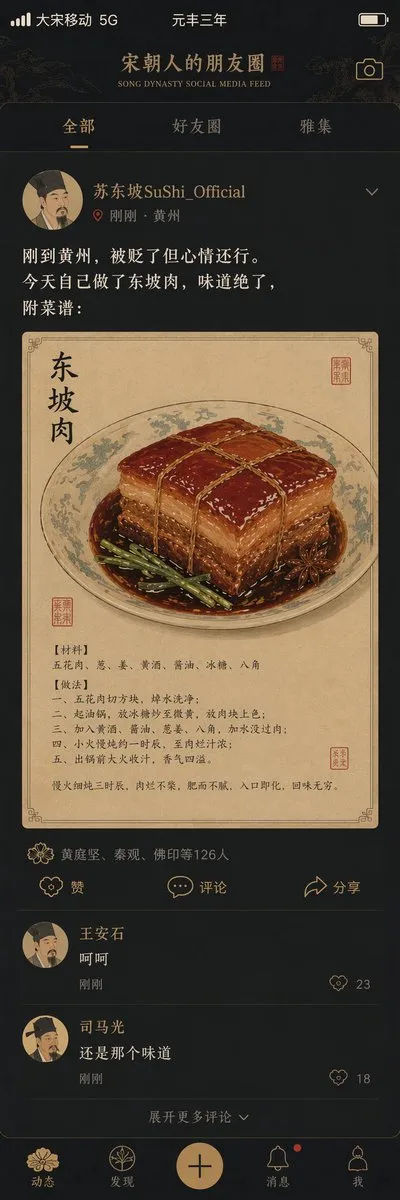
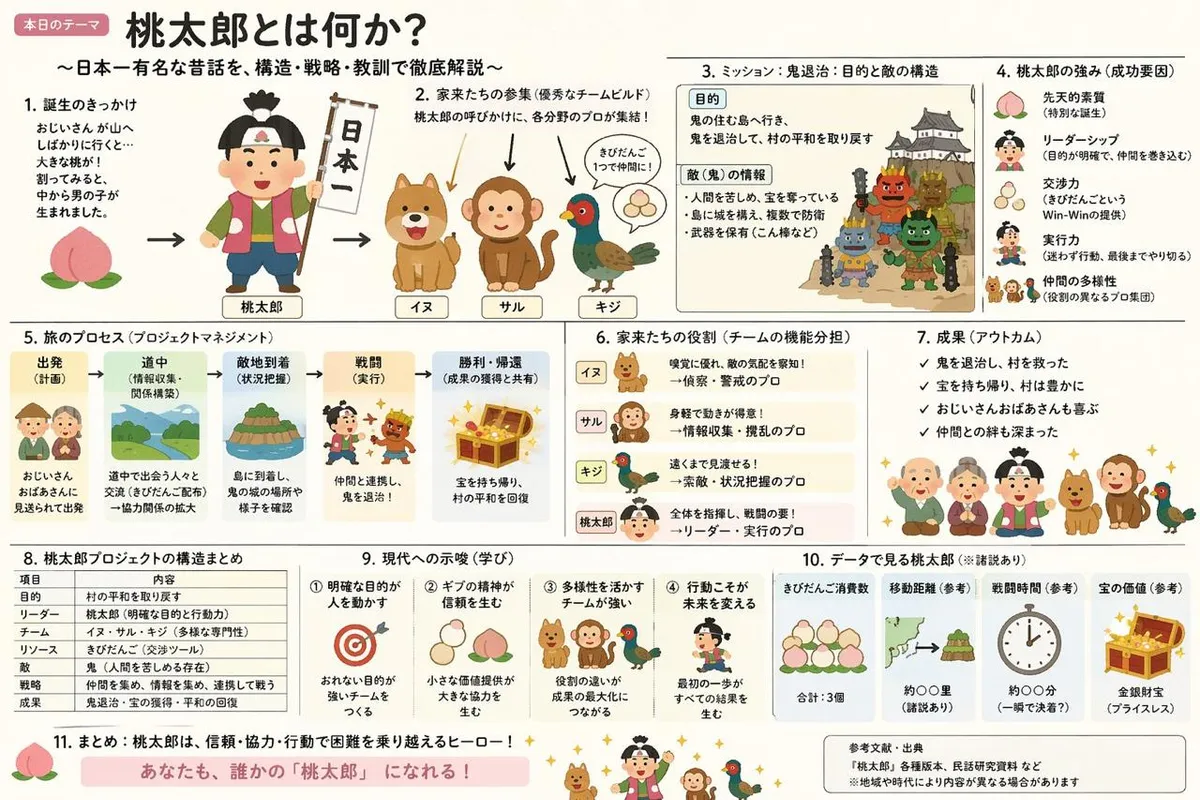
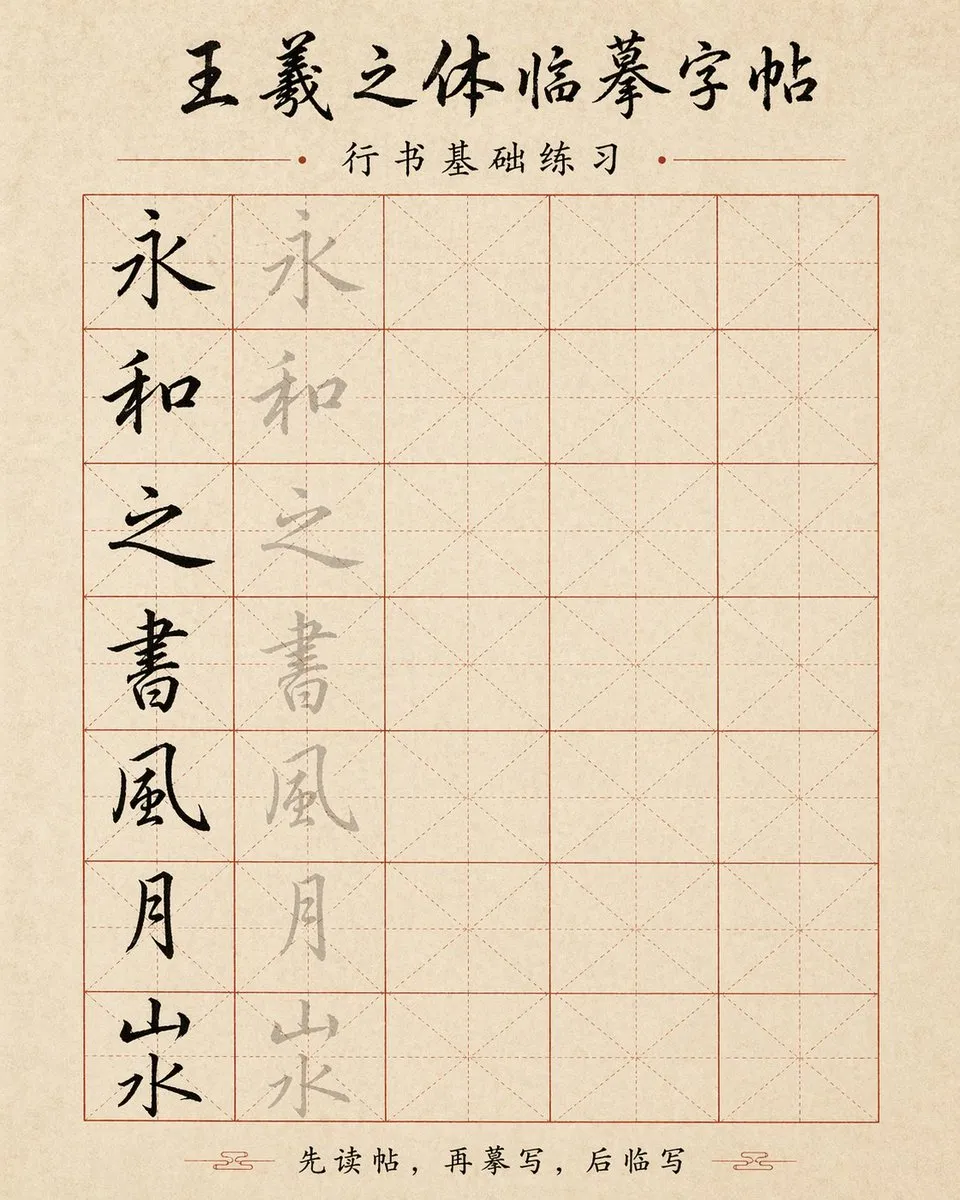
A creative UI prompt that works by fusing a historical aesthetic direction with modern interface patterns. It specifies exact typography style, color palette, layout structure, and content format — proving that UI prompts can be both creative and precisely structured.
Best AI Models for UI / UX Design
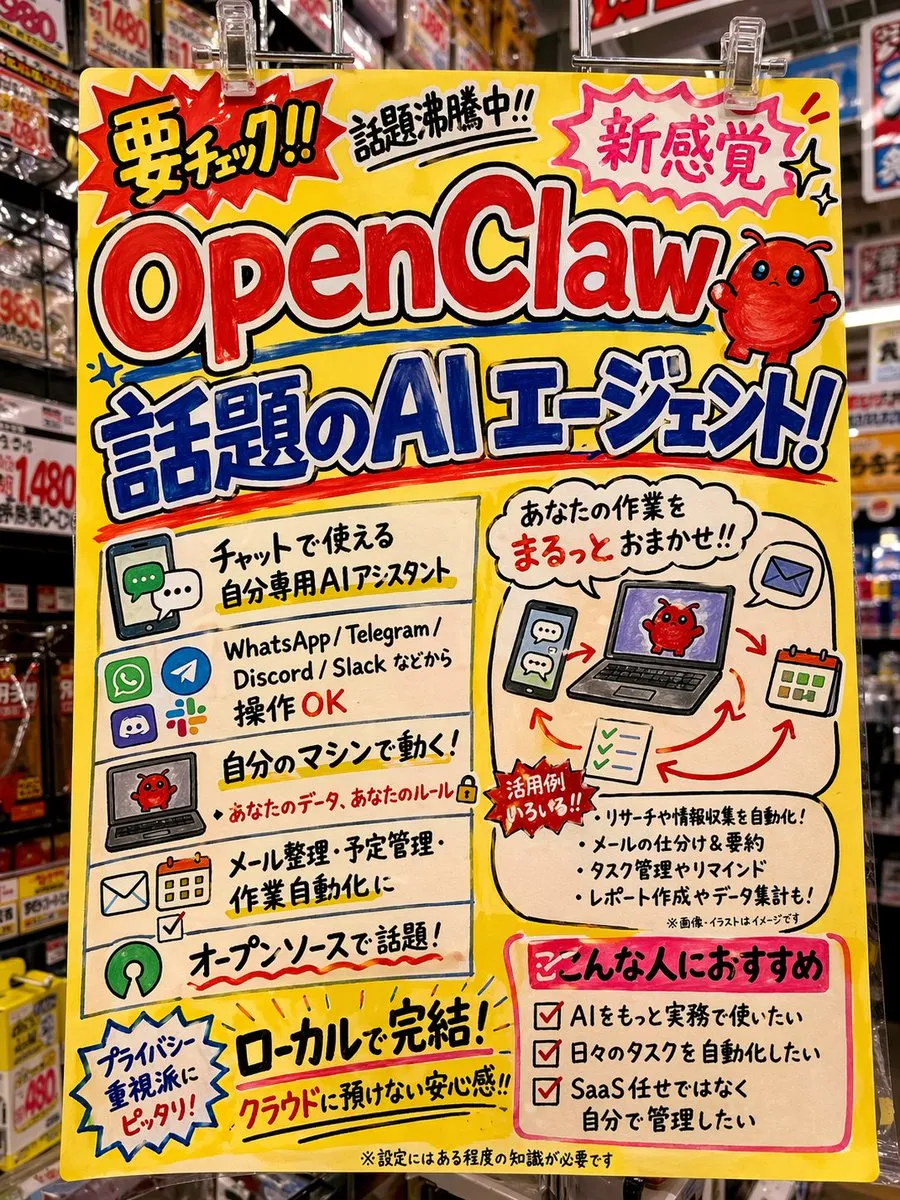
GPT Image 2 is the strongest choice for UI mockups thanks to its accurate text rendering — it can generate interfaces with readable labels, realistic data, and proper typography hierarchy. Midjourney produces more stylized UI concepts.
FAQ — UI / UX Design
Can AI generate usable UI mockups?
AI generates high-fidelity visual concepts, not production-ready code. They're excellent for exploring design directions, client presentations, and rapid ideation. For pixel-perfect specs, use them as references in Figma.
How do I get AI to generate UI with readable text?
GPT Image 2 handles text rendering well. Specify exact text content in your prompt (labels, headlines, data values) rather than leaving it to the AI. Shorter text strings render more accurately.
What's the best aspect ratio for UI mockups?
Use 9:16 for mobile screens, 16:9 for desktop, 4:3 for tablets. Specify the exact device frame if needed: "iPhone 15 Pro mockup with Dynamic Island visible" or "MacBook Pro 14" screen".
Can AI generate dark mode versions?
Yes — specify "dark mode" or "dark theme with OLED-true black (#000000) background, high-contrast text (#FFFFFF), and accent color #6366F1". Reference specific dark mode conventions for the platform.