GPT Image 2
Prompts
OpenAI's most advanced image generation model. These prompts are crafted and optimized specifically for it. Copy, paste, generate.
What is GPT Image 2?
GPT Image 2 is OpenAI's most advanced image generation model, released in April 2025 as a native capability inside ChatGPT. Unlike standalone tools like DALL-E or Midjourney, GPT Image 2 works conversationally — you describe what you want, get an image, then refine it through follow-up messages.
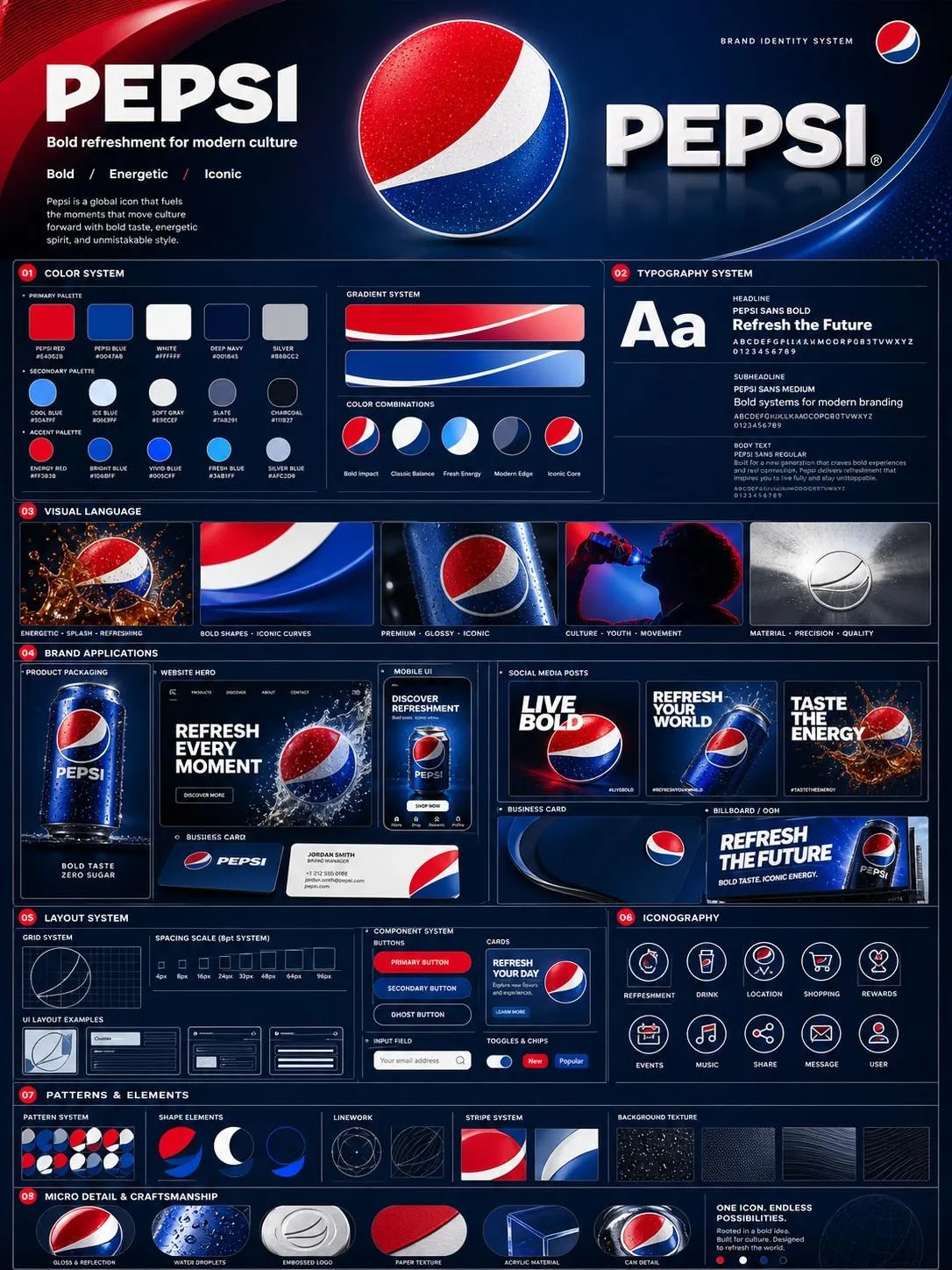
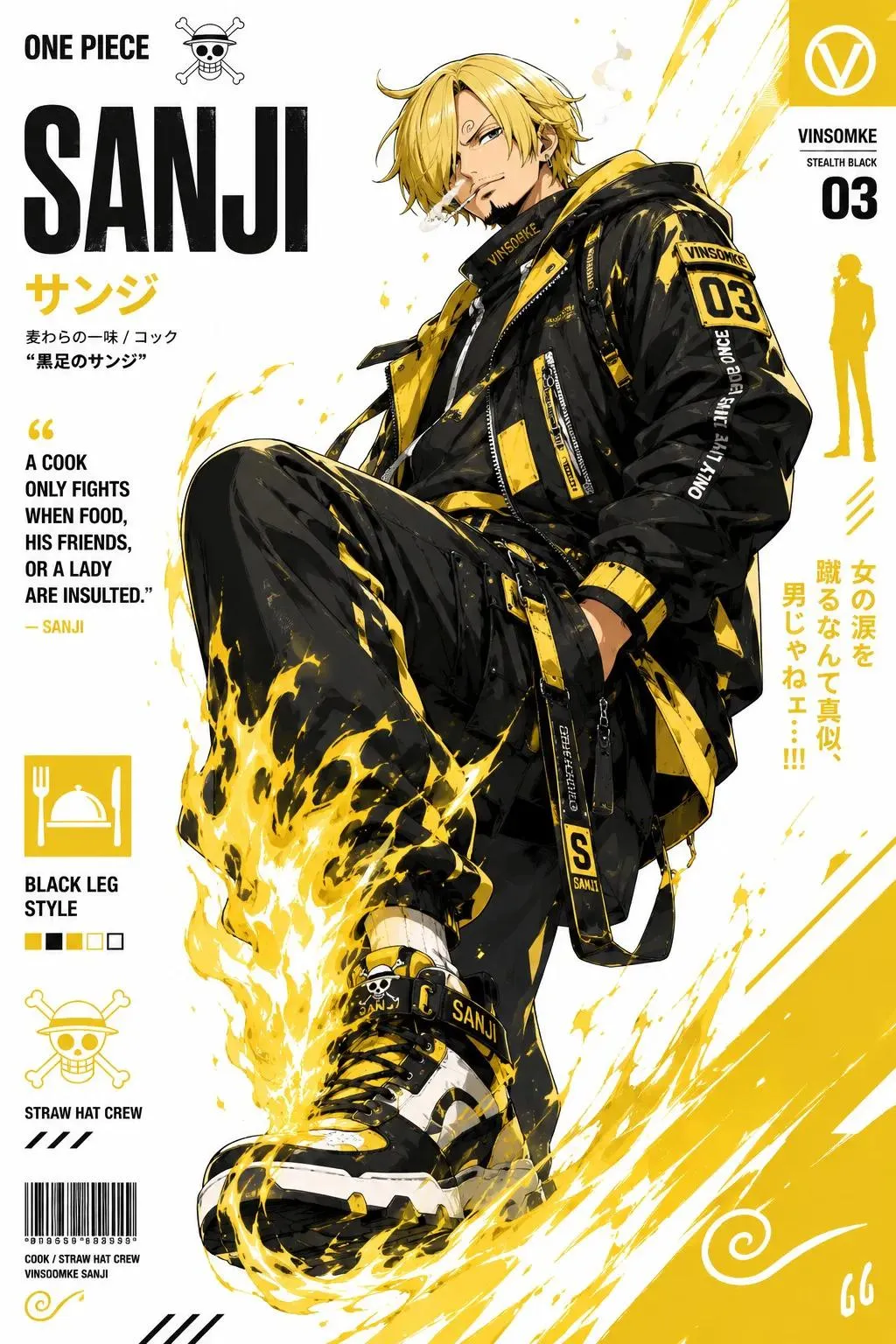
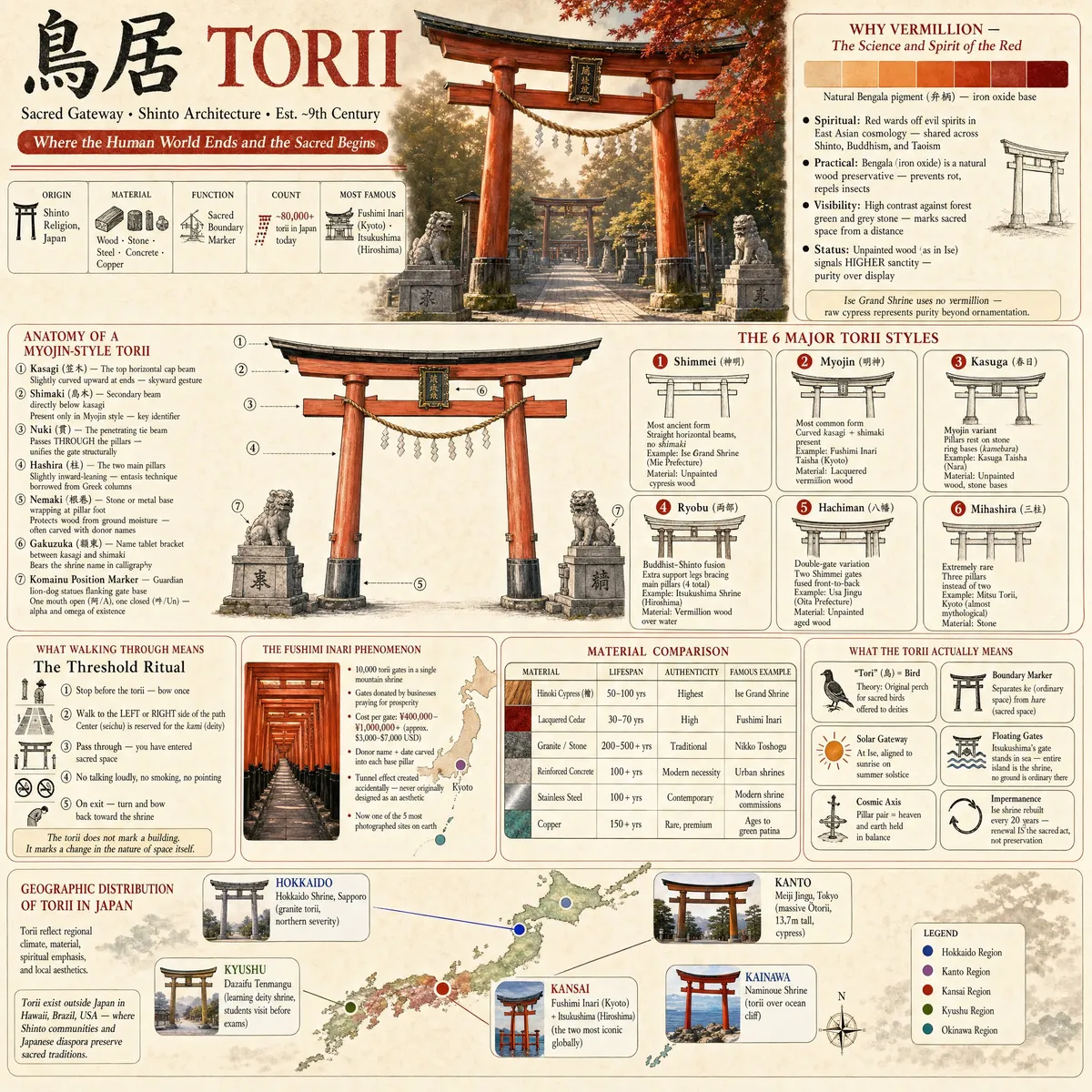
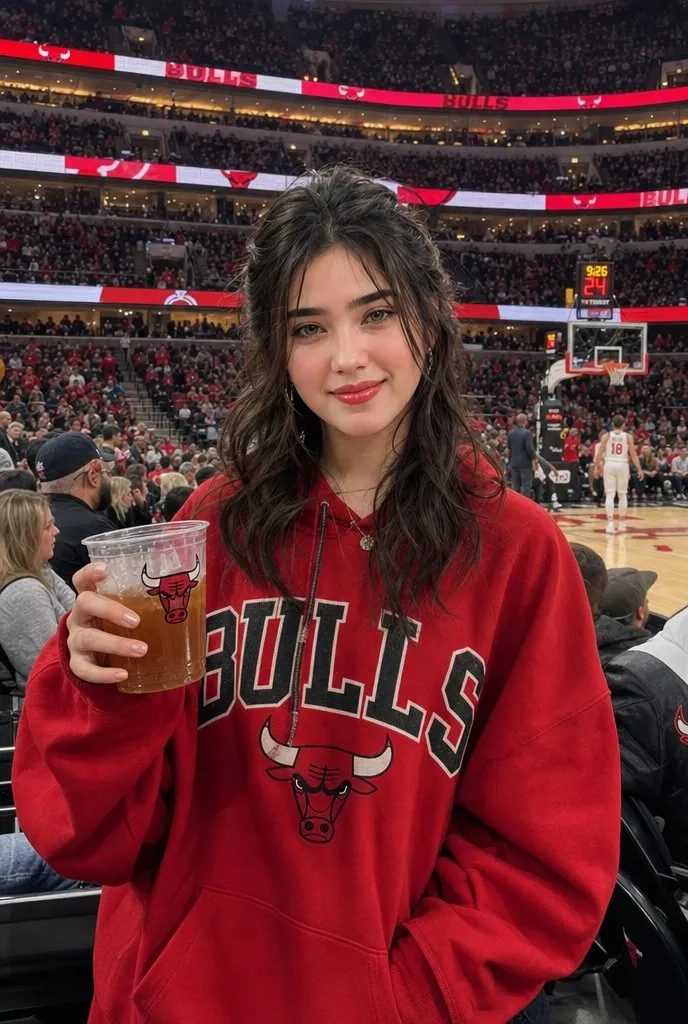
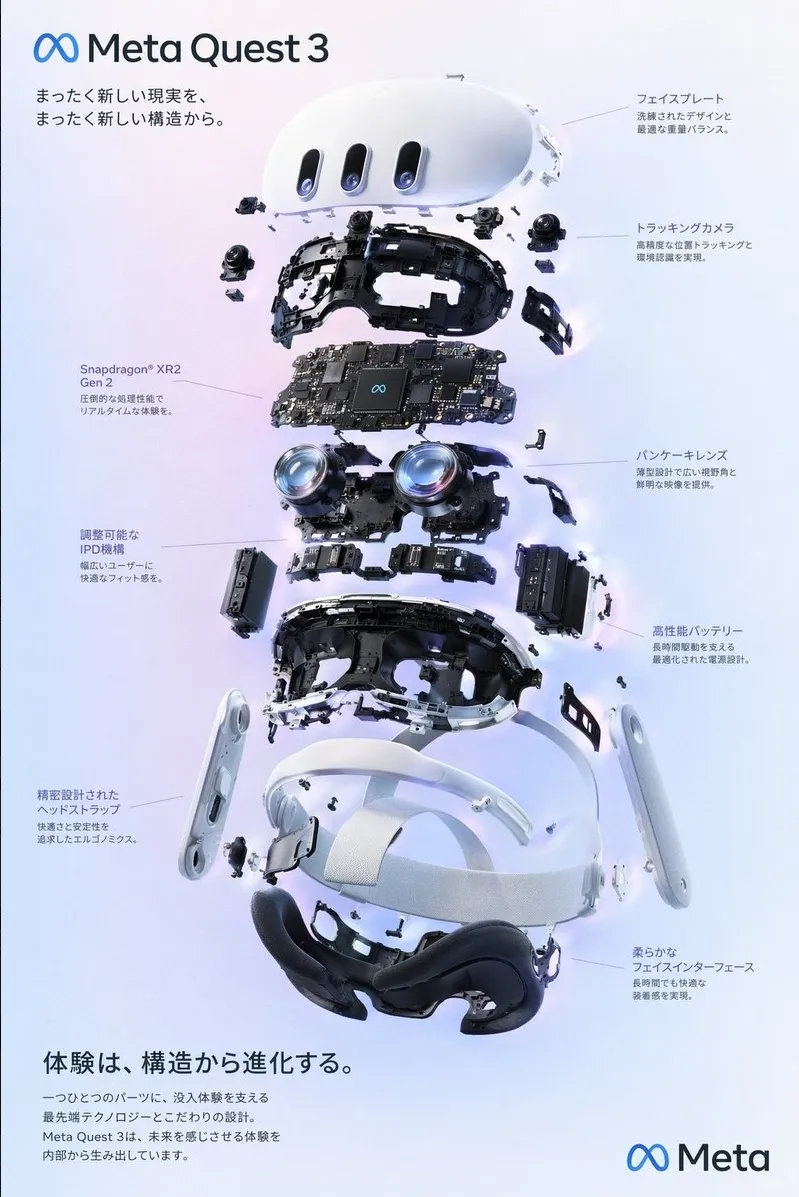
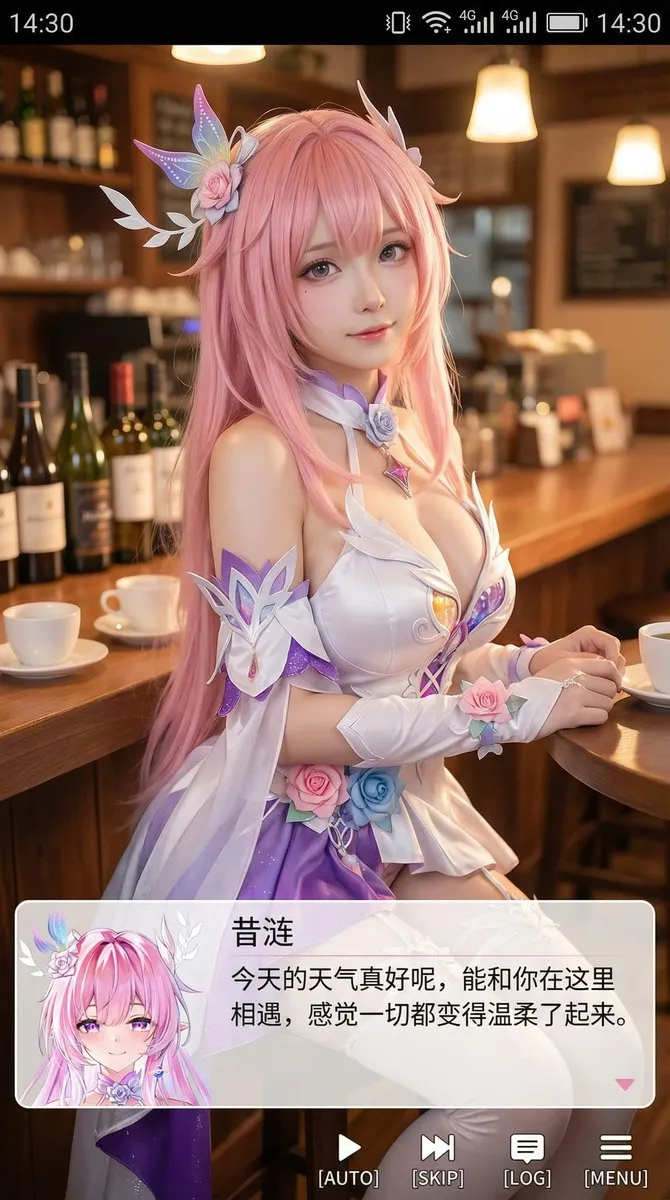
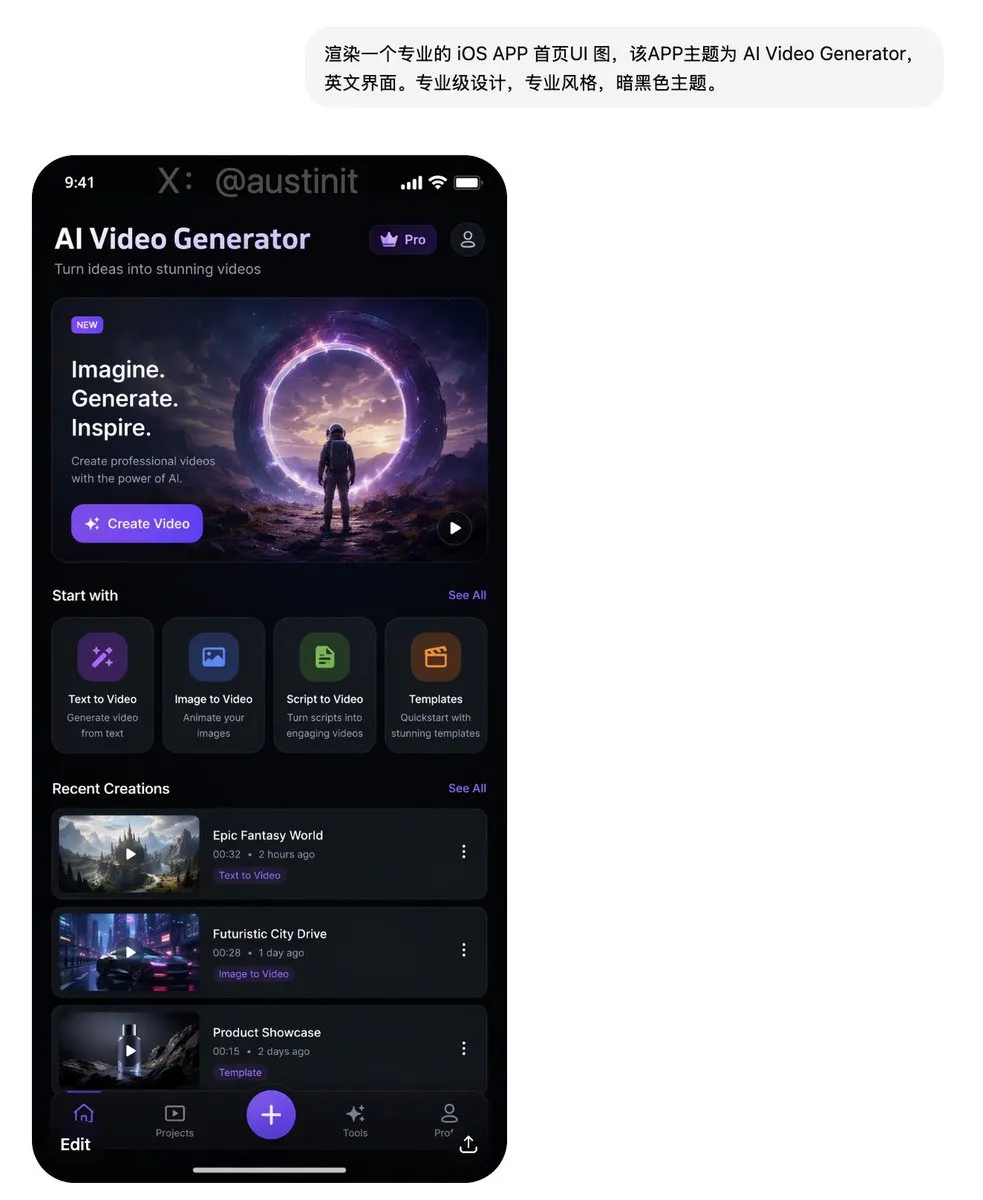
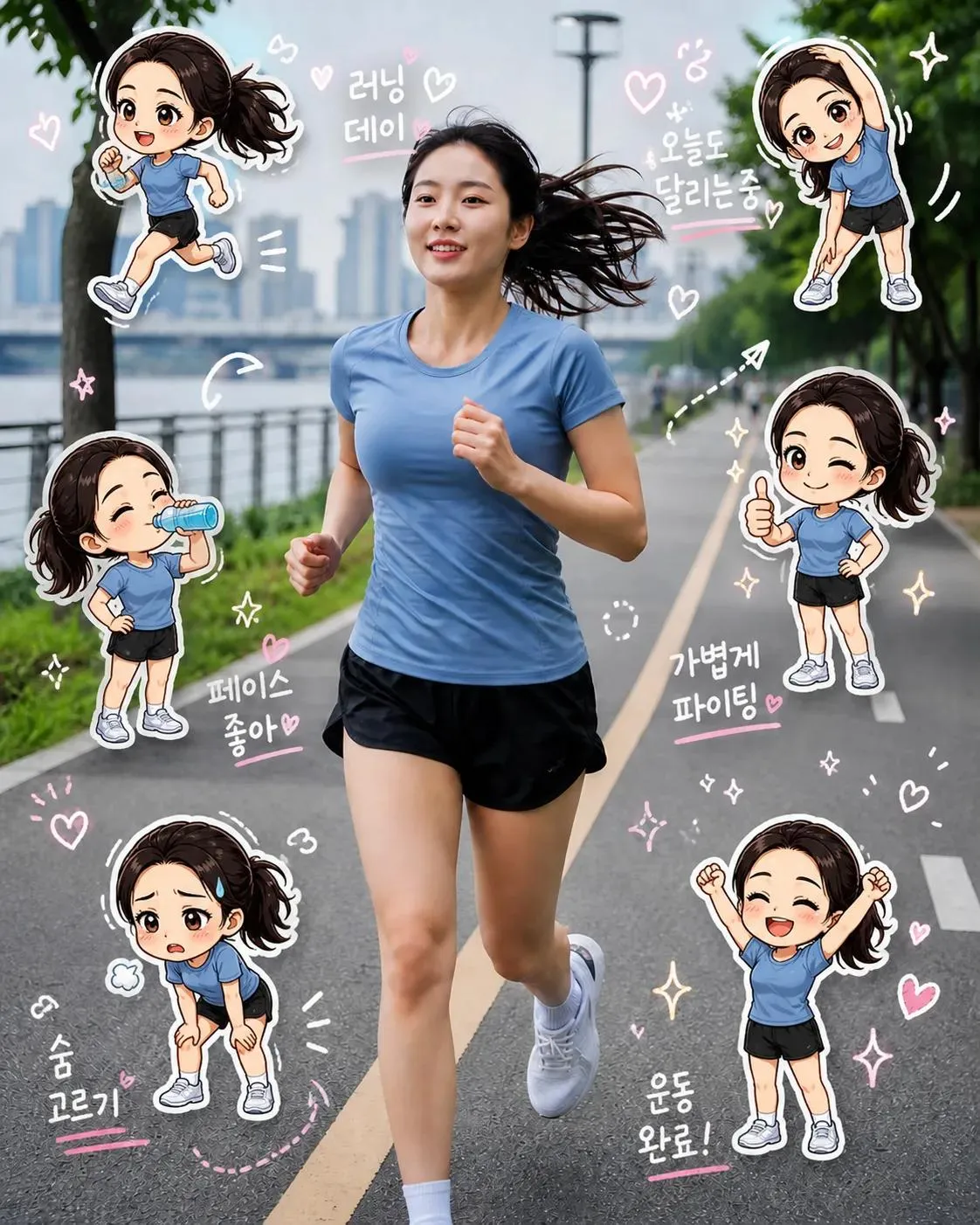
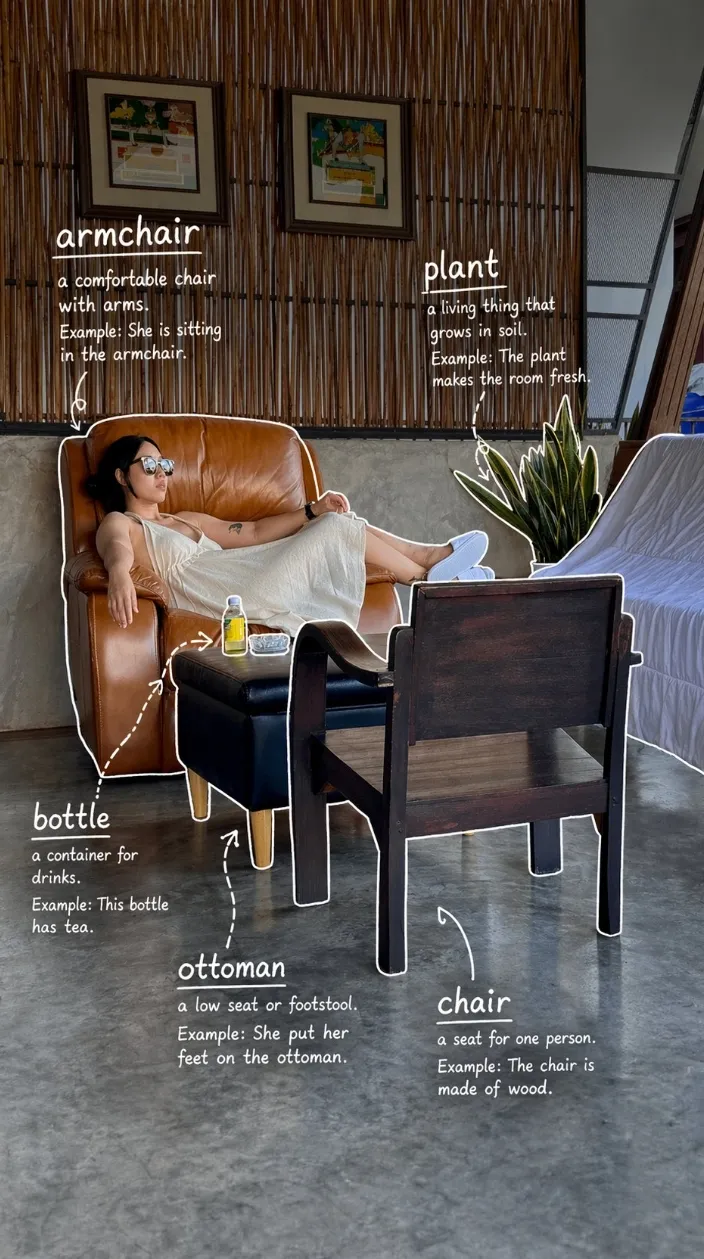
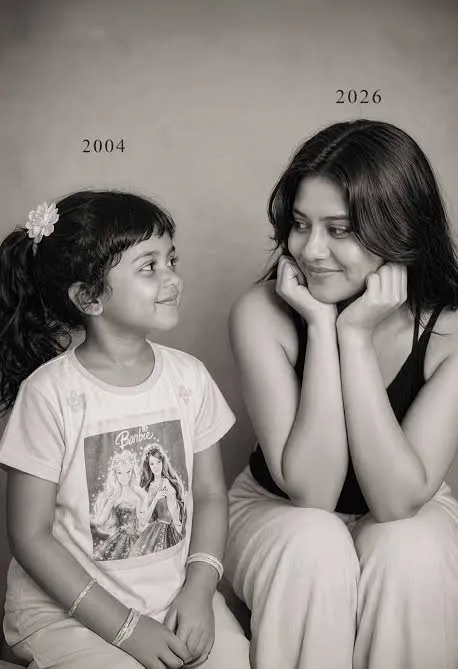
It excels in three areas: accurate text rendering (perfect for posters, UI mockups, and signage), photorealism (images nearly indistinguishable from real photographs), and complex instruction following (it handles multi-part prompts with precision).
All GPT Image 2 Prompts
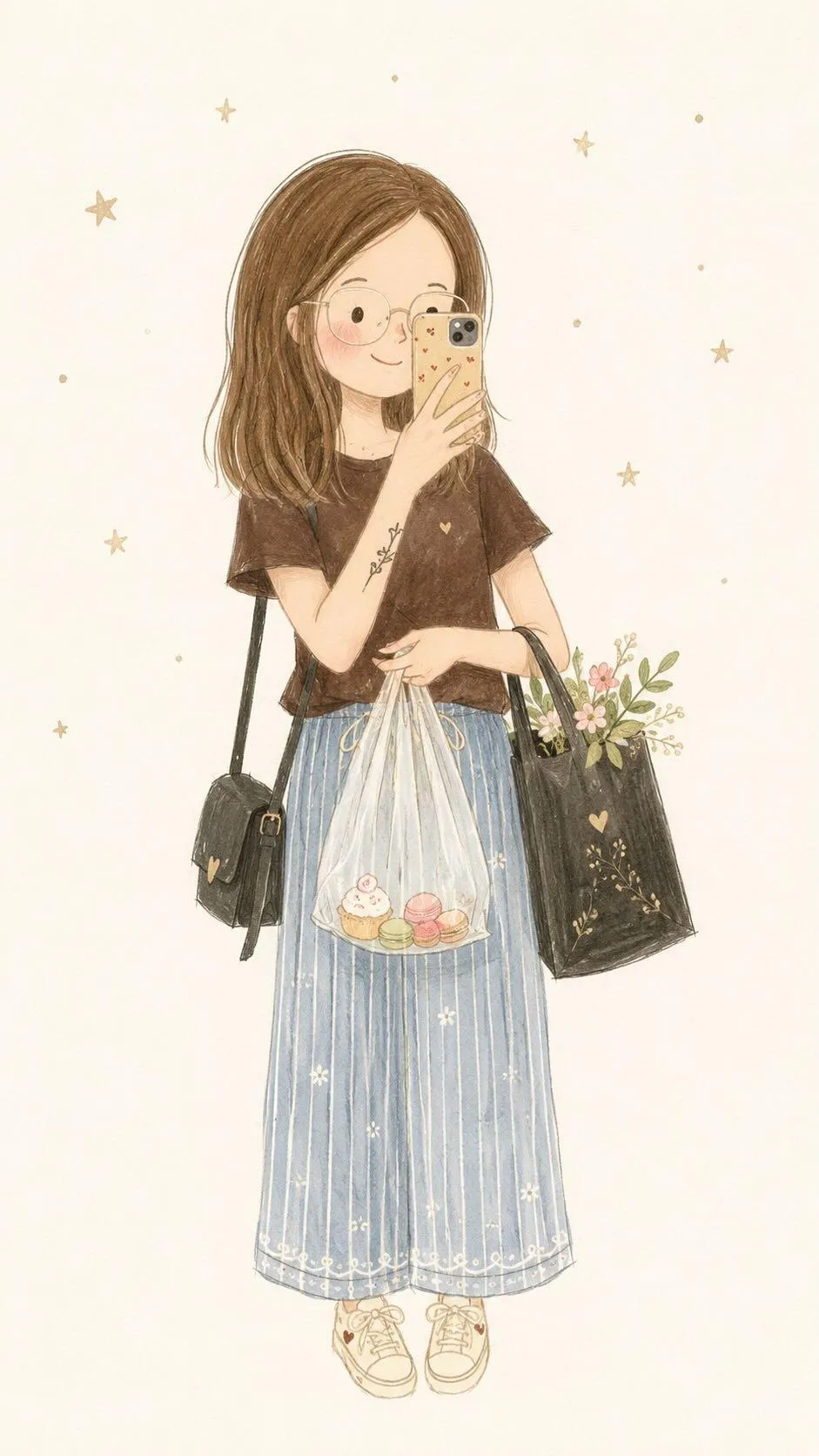
188 prompts across 7 categories. Filter by type, click any card for the full prompt and breakdown.

Tips for better prompts
Get better results by following these proven techniques for GPT Image 2.
Use Hex Color Codes
GPT Image 2 understands hex colors precisely. Instead of saying "blue background", say "deep navy background (#1a1a2e)". This gives you exact control over the color palette.
Specify Camera Settings
For photorealistic results, include camera details: lens ("85mm f/1.4"), film stock ("Kodak Portra 400"), and shooting conditions ("golden hour, backlit").
Define Aspect Ratios
Always specify your desired aspect ratio ("16:9", "3:4", "1:1") and resolution ("4K"). This prevents awkward cropping and ensures your output fits the intended use.
Describe Lighting Explicitly
Lighting makes or breaks an image. Be specific: "warm directional sunlight from the upper left casting long shadows" beats "good lighting".
Leverage Text Rendering
GPT Image 2’s standout feature is accurate text in images. Use it for posters, UI mockups, book covers, and signage. Wrap text in quotation marks.
Iterate Conversationally
Unlike other generators, GPT Image 2 lets you refine images through conversation. Start with a detailed prompt, then follow up with specific changes.
GPT Image 2 FAQ
What is GPT Image 2?
GPT Image 2 is OpenAI’s latest image generation model, released in April 2025. It’s built natively into ChatGPT and represents a major leap in AI image generation — excelling at photorealism, accurate text rendering, precise instruction following, and maintaining consistency across multiple edits to the same image.
How do I use GPT Image 2 prompts?
Simply copy any prompt from this page, open ChatGPT (with GPT-4o or later), paste the prompt, and hit send. GPT Image 2 is the default image model in ChatGPT — no special setup needed. For best results, use the prompt exactly as written, then iterate with follow-up instructions.
Are these GPT Image 2 prompts free to use?
Yes, every prompt on this page is completely free. No sign-up, no paywall. Copy any prompt and use it in ChatGPT. We add new GPT Image 2 prompts regularly across all categories.
What makes GPT Image 2 different from DALL-E or Midjourney?
GPT Image 2 stands out in three key areas: it renders text inside images with near-perfect accuracy, it follows complex multi-part instructions more faithfully than other models, and it works conversationally — you can ask ChatGPT to edit, adjust, or iterate on the generated image in follow-up messages without starting over.
Can I use these prompts in other AI image generators?
While these prompts are optimized for GPT Image 2, most work well in Midjourney, DALL-E 3, and other generators. The core descriptions translate across models. You may need to adjust model-specific parameters (like Midjourney’s --ar flag for aspect ratios), but the creative direction remains the same.
How do I write better GPT Image 2 prompts?
The best GPT Image 2 prompts are specific and structured. Include: a clear subject, art style or medium, lighting conditions, camera angle or composition, color palette (hex codes work great), and output specifications like aspect ratio and resolution. Check our tips section above for detailed guidance.