AI Game Art & Concept Prompts
Generate game screenshots, concept art, environment paintings, weapon designs, and virtual world imagery with AI. These prompts cover AAA photorealism, indie pixel art, stylized cel-shading, and everything in between — crafted for game developers, concept artists, and world builders. Learn how to specify game engine fidelity levels, reference iconic art styles from specific titles, include HUD elements for authentic screenshots, and define camera perspectives that ground images in interactive design. From Unreal Engine 5 photorealism to retro SNES pixel art, each prompt is structured as a game development art brief.
How to Write Game Art Prompts
Tips to get better results in this category.
Specify the Game Engine Look
"Unreal Engine 5 Nanite geometry, Lumen global illumination" vs "Unity HDRP with stylized post-processing" vs "retro PS1 low-poly aesthetic" defines the technical fidelity level.
Reference Game Art Styles
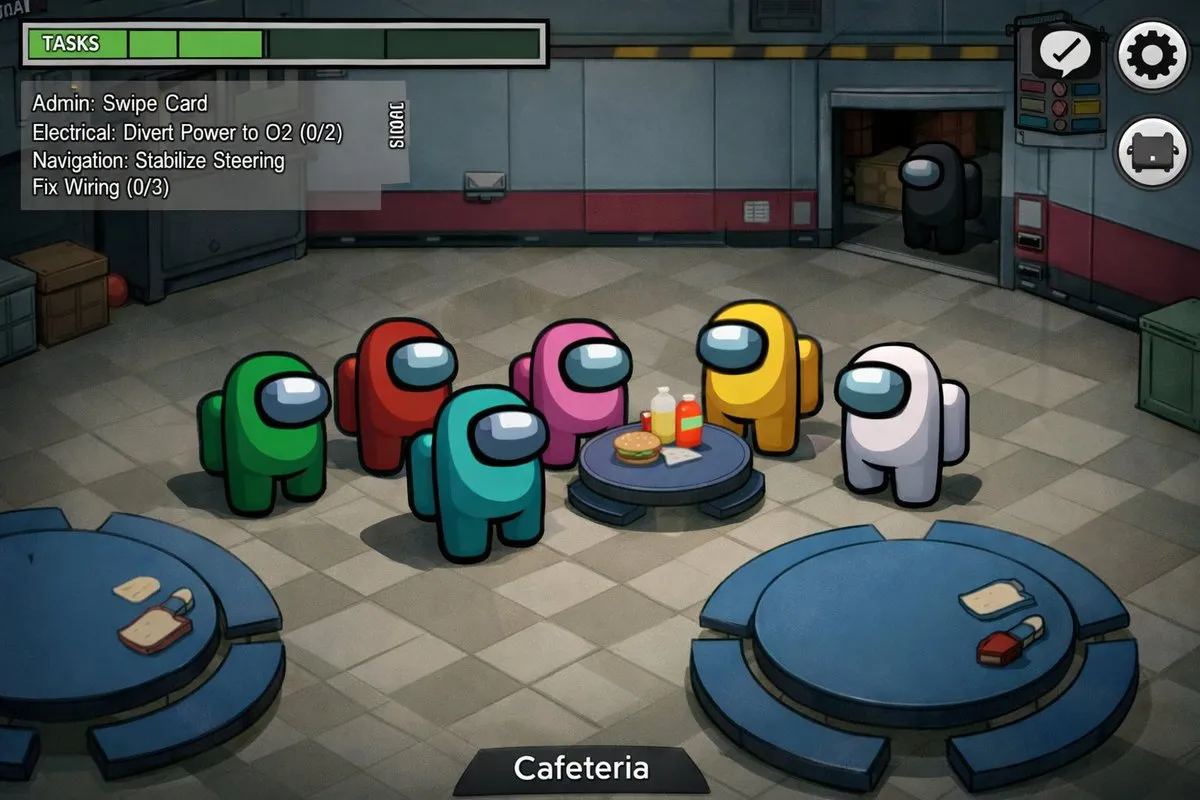
"Elden Ring dark fantasy" vs "Zelda: Tears of the Kingdom cel-shaded" vs "Disco Elysium painterly" activates specific aesthetic databases. Combine references for unique styles.
Include UI Elements for Screenshots
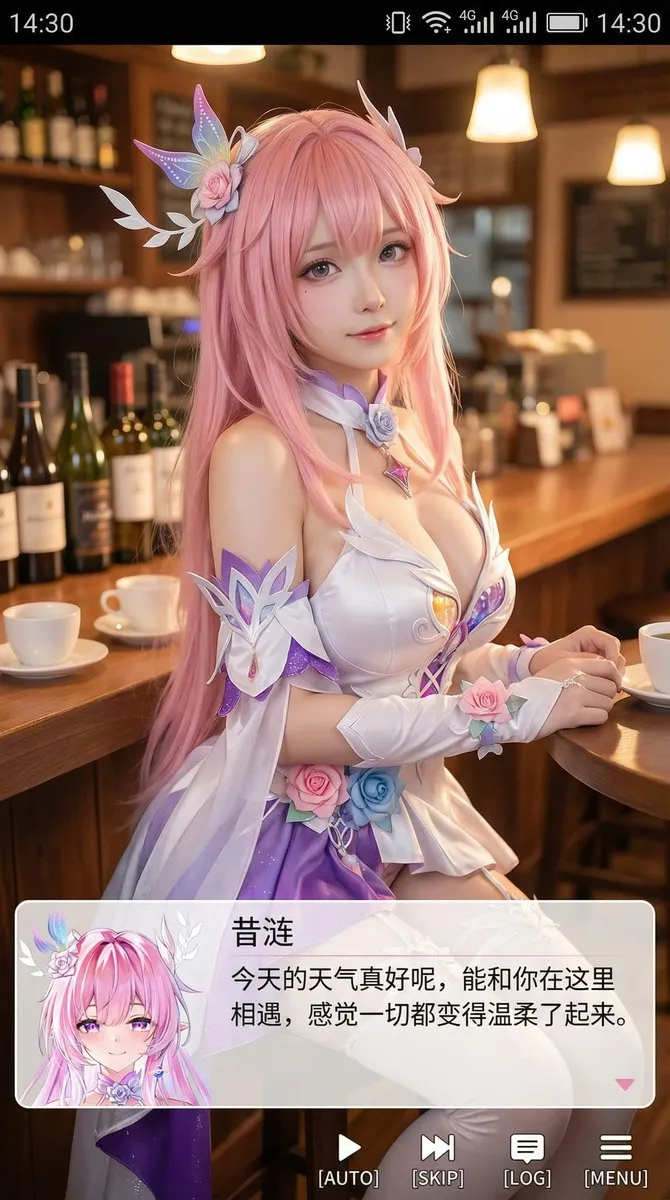
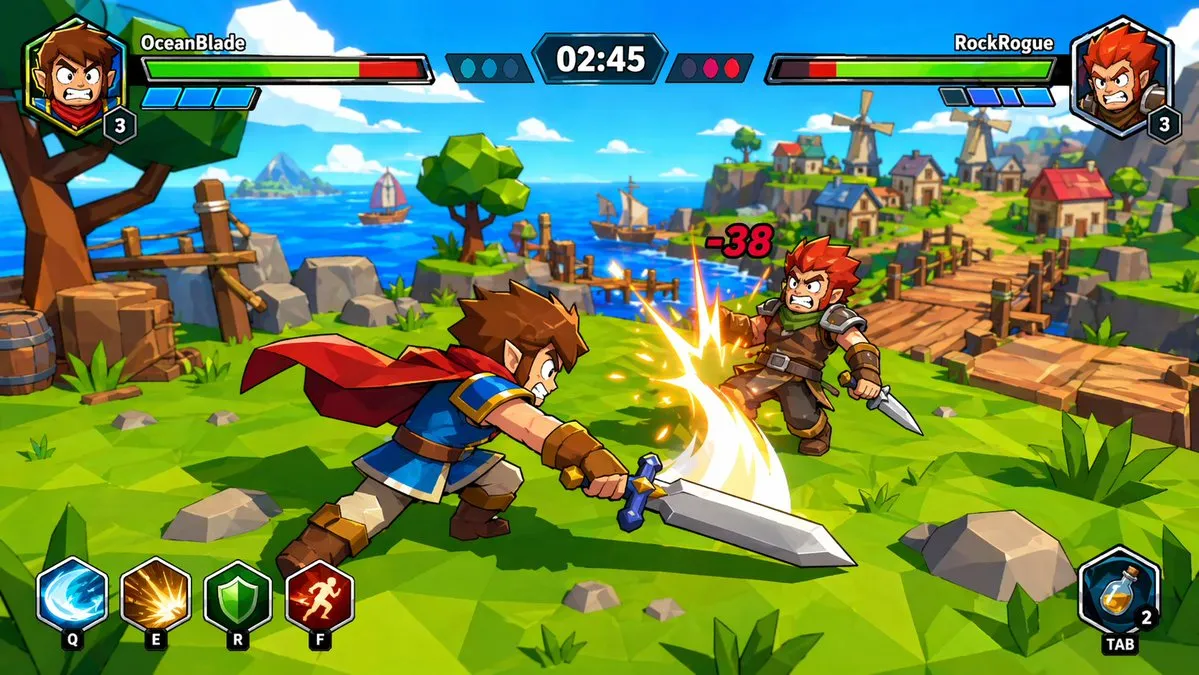
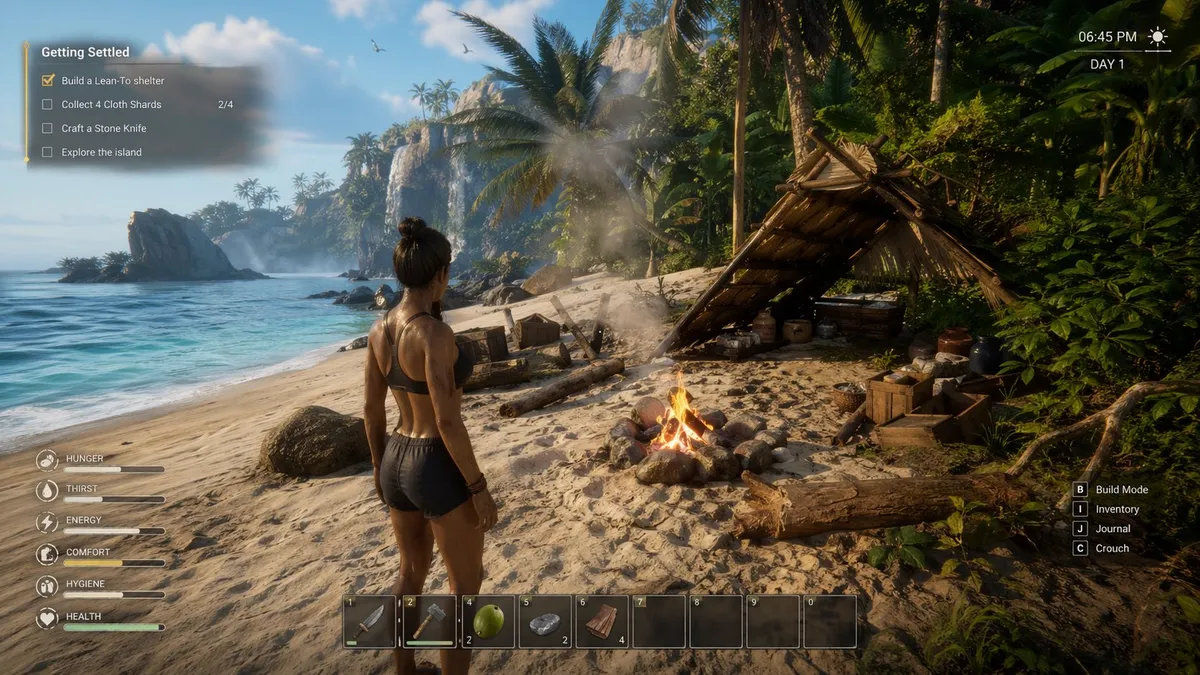
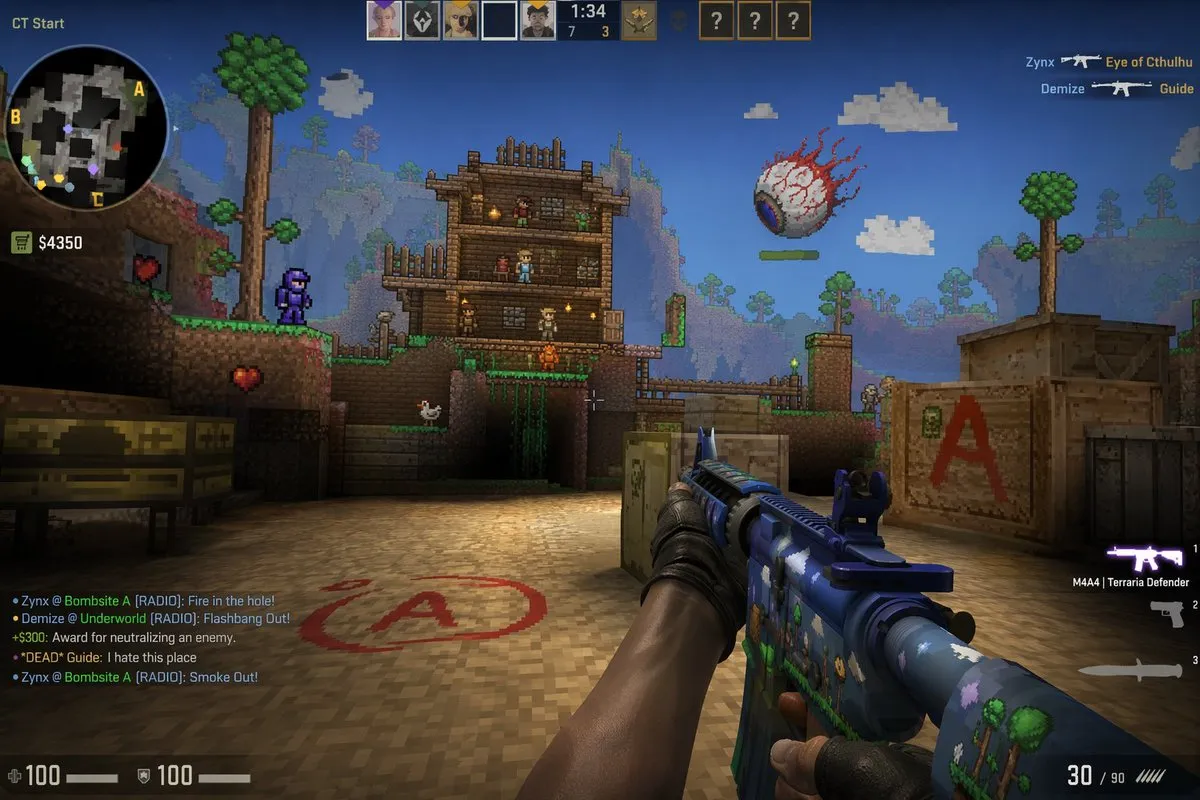
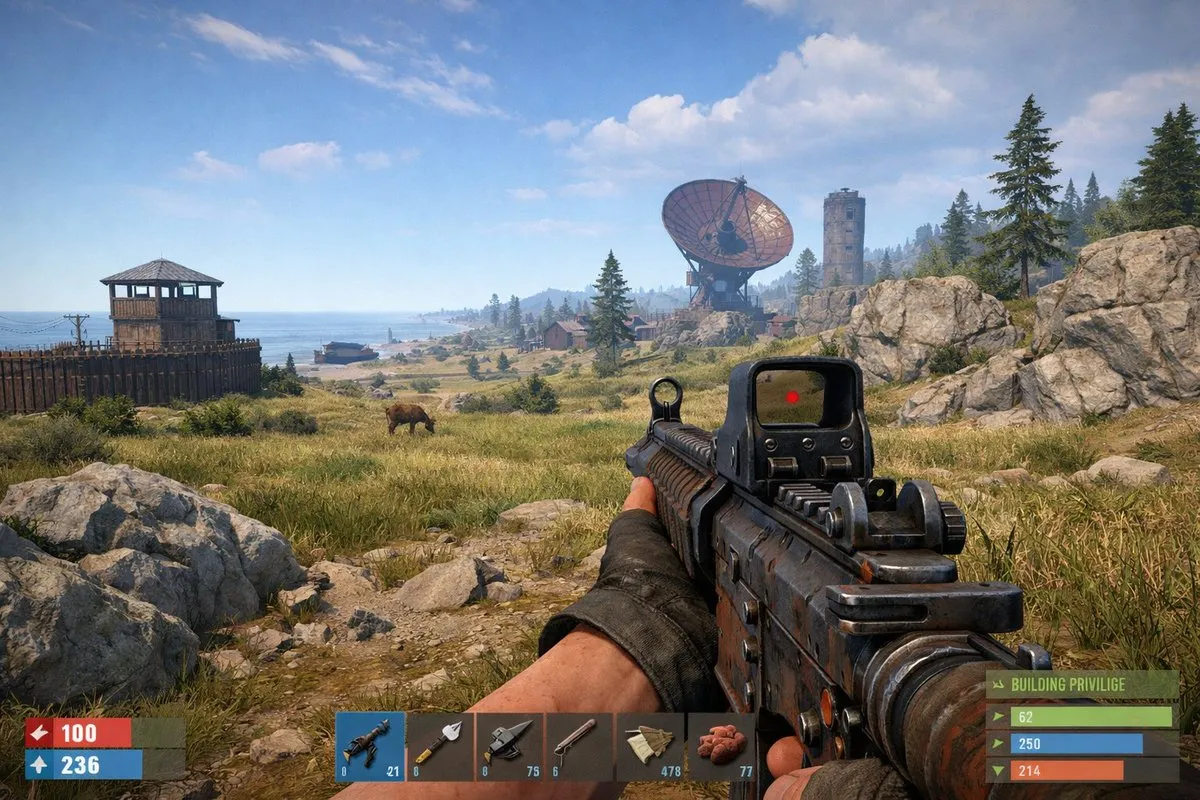
"Screenshot with minimal HUD: health bar top-left, minimap bottom-right, interaction prompt center-bottom" makes generated images look like actual in-game captures.
Define the Camera Perspective
"Third-person over-shoulder" vs "isometric 45°" vs "first-person with weapon visible" vs "top-down roguelike" defines how the player would see this scene, grounding it in game design.
Prompt Breakdown
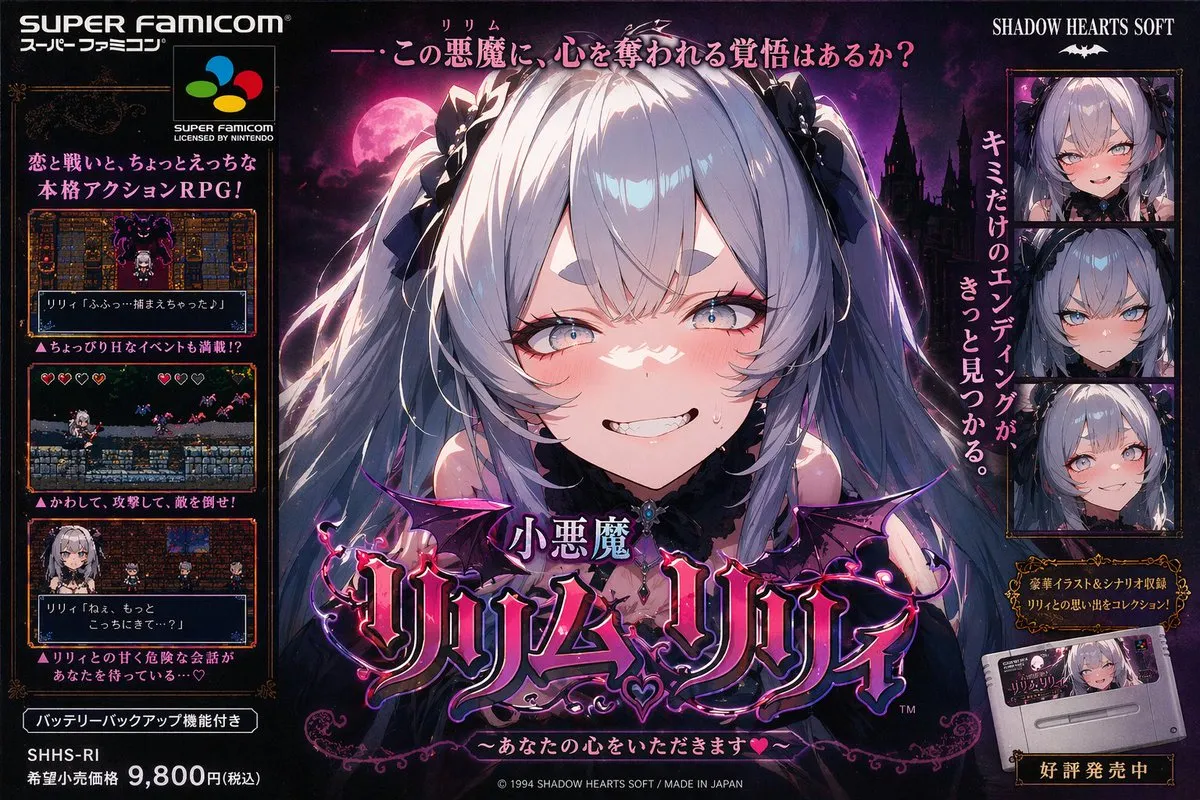
This prompt works by anchoring to a specific console era (Super Famicom/SNES), which immediately constrains the color palette, pixel density, and art style. By referencing the era's promotional art style rather than in-game graphics, it produces higher-fidelity results with authentic retro character.
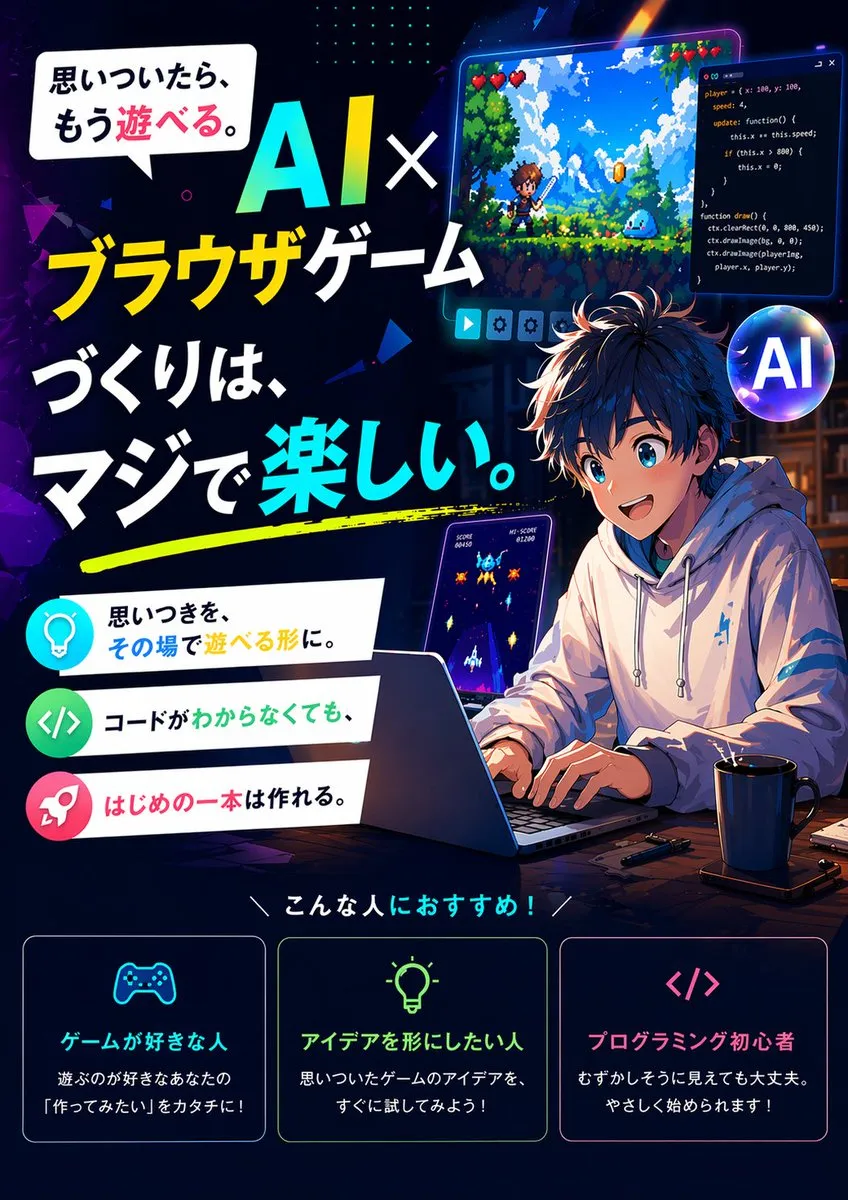
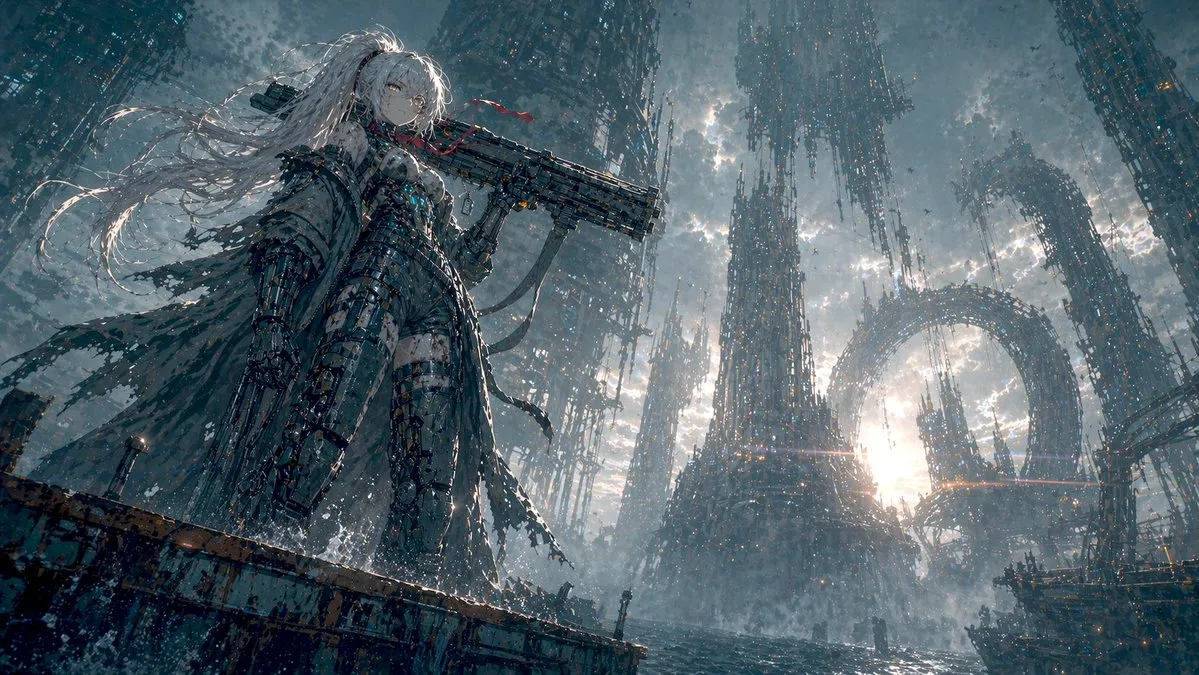
Demonstrates how game key visual prompts combine character design (mecha girl), environment (sea city), mood/narrative, and composition format (vertical key visual) into a single cohesive art direction. The specificity of the setting creates a unique world that feels like an actual game's concept art.
Best AI Models for Game Art & Screenshots
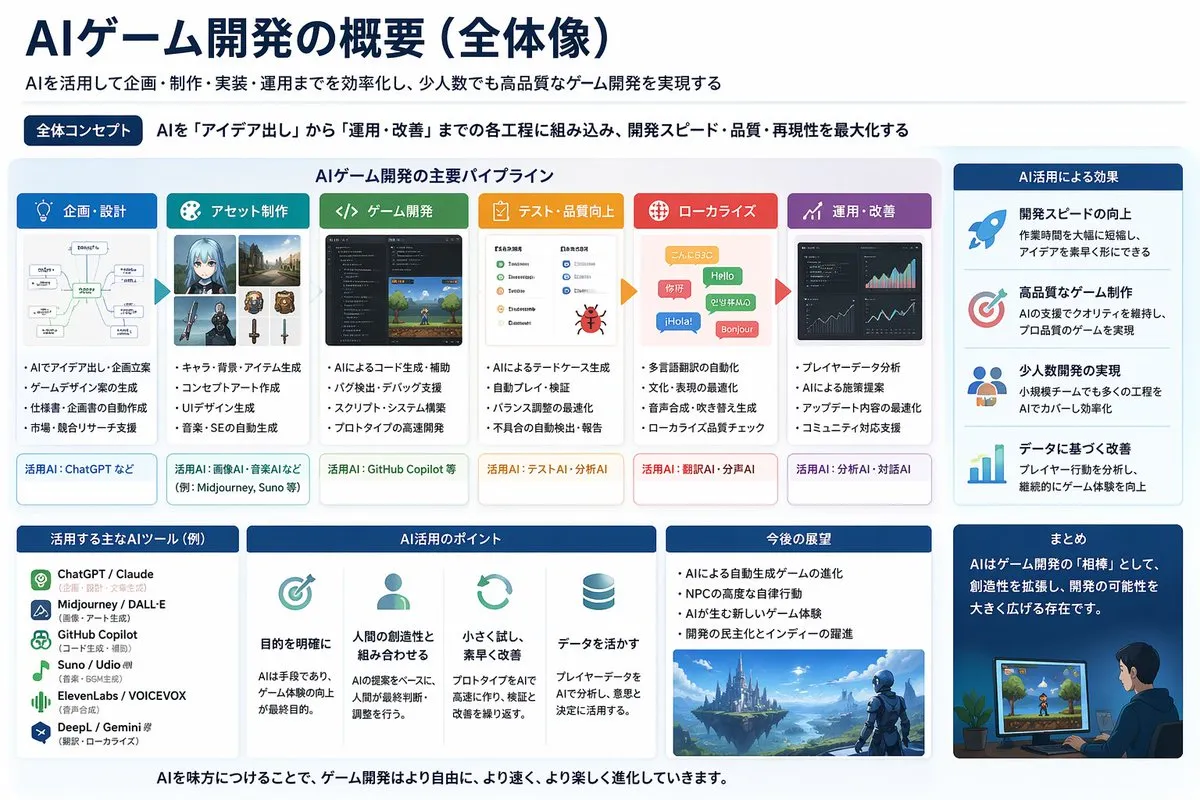
Midjourney excels at stylized game concept art and environment paintings. GPT Image 2 is stronger for photorealistic game screenshots and UI mockups with readable text. For pixel art and retro styles, both perform well with specific references.
FAQ — Game Art & Screenshots
Can AI generate game-ready assets?
AI generates concept art and reference images, not production-ready game assets. Use them for mood boards, pitch decks, pre-production concepting, and design direction. Final assets still need 3D modeling, texturing, and optimization.
How do I generate consistent game environments?
Define a strict art bible: color palette (hex codes), lighting direction, material properties, and style references. Keep these constant across prompts. In ChatGPT, maintain conversation context for consistency.
What prompts work for pixel art games?
Specify resolution ("32×32 sprite", "16-bit SNES style"), palette limitations ("4-color Game Boy palette", "NES color restrictions"), and animation intent ("idle animation sprite sheet, 4 frames").
Can AI generate game UI designs?
Yes — GPT Image 2 handles game UI well. Specify the genre (RPG inventory, FPS HUD, strategy minimap), platform (mobile touch, PC, console), and reference games for style direction.